

Working with this resource via an AI agent? Datum publishes three skills covering AI Edge: AI Edge (WAF, auth, and traffic policies), Client Traffic (TLS termination, HTTP/3, connection limits), and HTTPRoute (path routing, traffic splitting, redirects).
Features
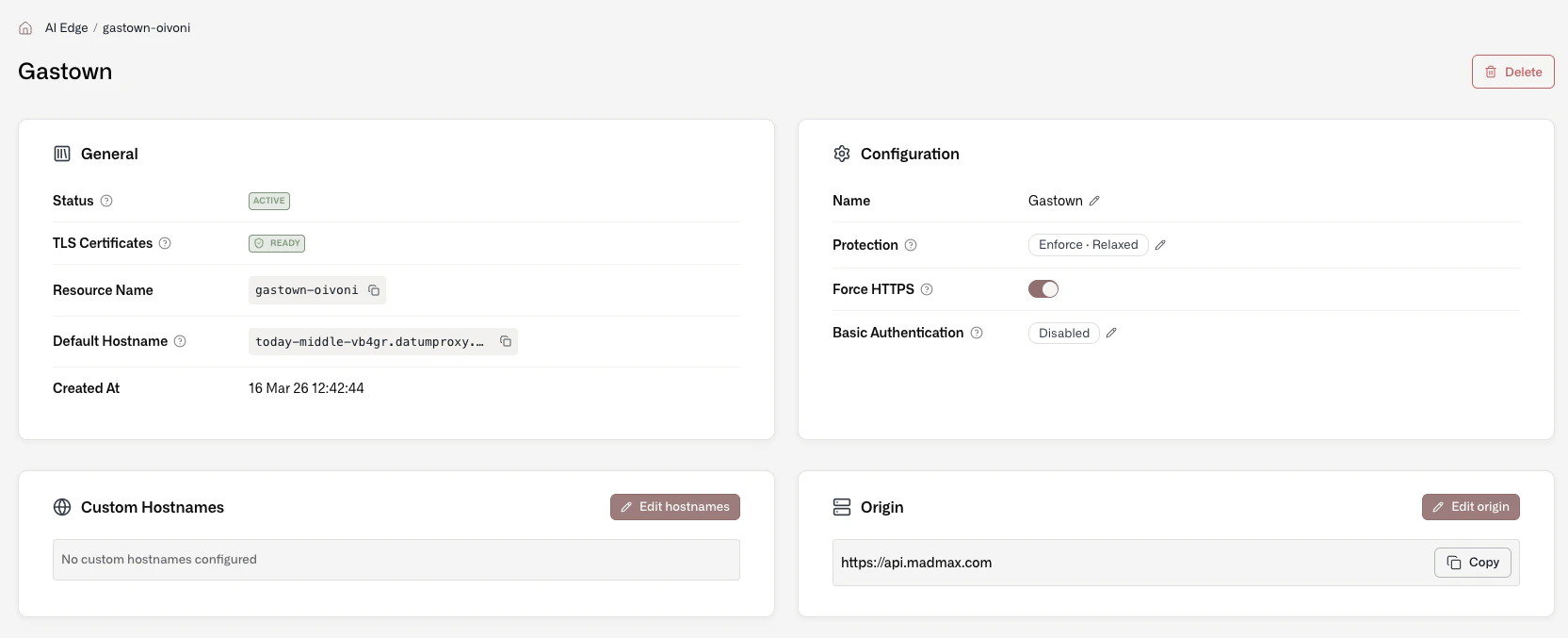
Each AI Edge deploys with a default hostname and enforces HTTPS (you can disable this).- Protection - The OWASP Coraza Web Application Firewall (WAF) provides built-in protection. By default, protection runs in “observe” mode. You can set it to enforced status and select either Level 1 (relaxed) or Level 2 (balanced).
- Custom Hostnames – Verify domains (or use already verified domain resources) to use custom hostnames with an AI Edge.
- Basic Authentication - Add a username and password to restrict access to an AI Edge.
- Status – View status “Accepted” and “Programmed”, Generated hostname(s), Custom hostname verification status, and TLS verification status.
- Metrics - The Datum Cloud portal provides a variety of baseline metrics, filtered by region, including: global upstream latency percentile, regional upstream RPS, and regional upstream response.
- Activity Logs - View and filter activity across a project, and filter by resource type (including AI Edge) and action.