Portal
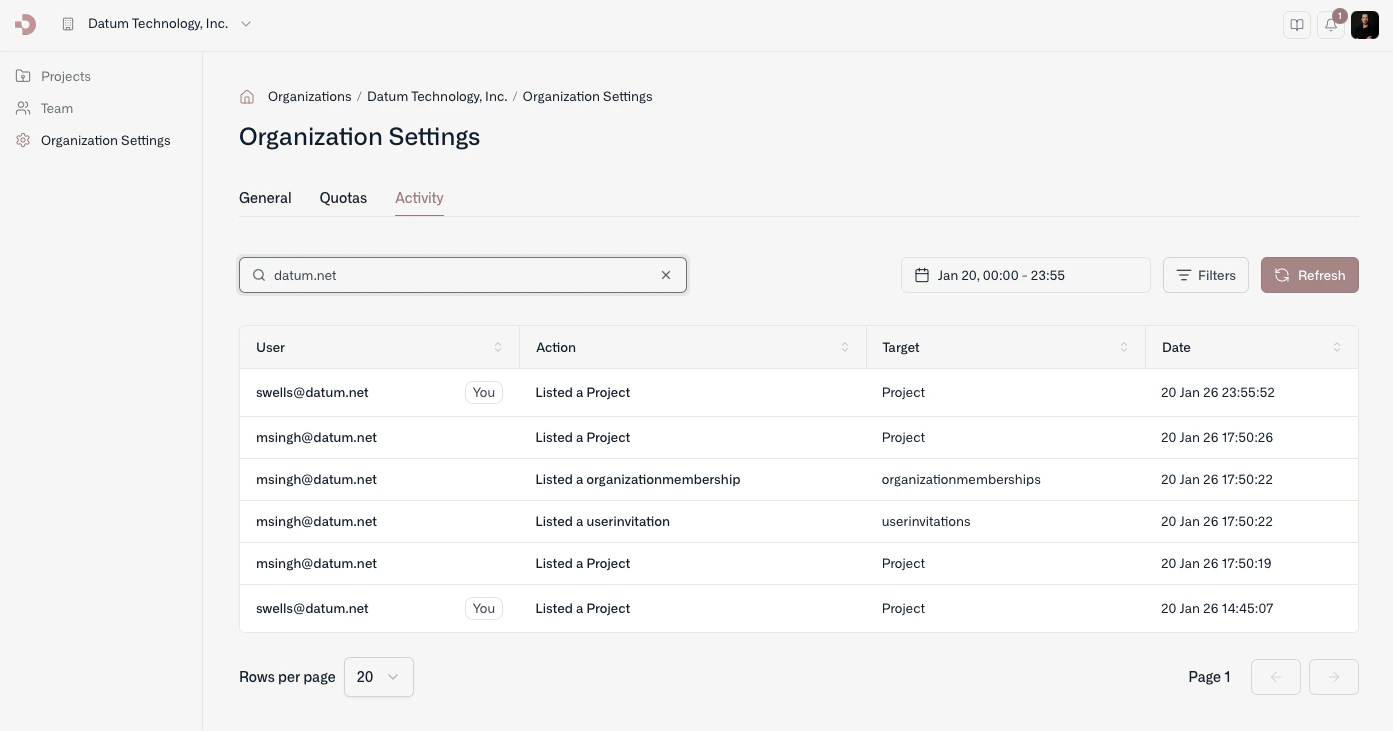
Access activity logs from the organization’s settings page.
You can also query and filter audit logs for a project by navigating to a project’s settings page.
How long audit logs are retained isn’t documented yet.
Command line
With datumctl, you can browse audit logs from the terminal and pipe them into jq or other tools.
For example, to see the last 7 days of audit logs:
By default, datumctl activity audit retrieves the last 24 hours of activity. You can use the --filter option to specify a CEL expression to filter the audit logs returned. For commands and examples, see Audit logs and events and Change history and feed.Last modified on October 30, 2026